 0482790126
* feat(ui): add AttachmentList component for lesson file attachments

Introduce a reusable AttachmentList molecule with view and edit modes.
View mode shows a header with file count and view/download actions; edit
mode supports drag-to-reorder, view, and delete. Includes Storybook
stories and package exports.

Co-authored-by: Rotimi Best <rotimi-best@users.noreply.github.com>

* fix(ui): address AttachmentList PR review feedback

- Sync edit-mode file state using full metadata signature, not IDs only
- Clamp formatFileSize unit index and guard non-finite inputs
- Recognize common MIME types for file-type icon styling
- Scope role=list to row container; use dragHandleZone for reordering
- Add reorder label for drag handle accessibility

Co-authored-by: Rotimi Best <rotimi-best@users.noreply.github.com>

* fix(ui): guard AttachmentList against undefined files prop

Co-authored-by: Rotimi Best <rotimi-best@users.noreply.github.com>

* fix(ui): render AttachmentList stories and guard missing props

Use Storybook template snippets and default args so stories mount
correctly. Default mode and labels in the component for autodocs, and
align dragHandleZone items with rendered rows.

Co-authored-by: Rotimi Best <rotimi-best@users.noreply.github.com>

* feat(dashboard): use AttachmentList on lesson documents tab

Replace the horizontal DocumentCard grid with AttachmentList in view and
edit modes, including drag-to-reorder in edit. Tighten the list header to
p-2 with xs text, add document mapping helpers, and translate new labels.

Co-authored-by: Rotimi Best <rotimi-best@users.noreply.github.com>

* fix(dashboard): reset document upload modal state on close

Clear selected file, success message, and upload progress when the add
document modal closes so reopening starts fresh.

Co-authored-by: Rotimi Best <rotimi-best@users.noreply.github.com>

* fix(dashboard): raise PDF viewer above sidebar and AI chat

Use z-modal (200) instead of z-100 so the full-screen PDF overlay stacks
above z-app-bar-elevated (150) course sidebar and z-app-bar (100) AI panel.
Add the missing z-modal utility to dashboard app.css to mirror the UI scale.

Co-authored-by: Rotimi Best <rotimi-best@users.noreply.github.com>

* chore: minor changes

* feat(dashboard): show spinner and snackbar on document download

AttachmentList download button now shows the Button loading spinner
immediately while the async download runs. On success, a snackbar confirms
the download; on failure, an error snackbar is shown instead of opening
a new tab.

Co-authored-by: Rotimi Best <rotimi-best@users.noreply.github.com>

* fix(ui): address PR review feedback on AttachmentList

- Reject negative byte counts in formatFileSize instead of using Math.abs
- Make AttachmentList mode/files/labels props optional; disable cross-list drops
- Include file name in drag-handle aria-label for screen readers
- Prevent upload modal from closing while an upload is in progress
- Use ICU plural rules for attachment file_count across all locales

Co-authored-by: Rotimi Best <rotimi-best@users.noreply.github.com>

---------

Co-authored-by: Cursor Agent <cursoragent@cursor.com>
Co-authored-by: Rotimi Best <rotimi-best@users.noreply.github.com>
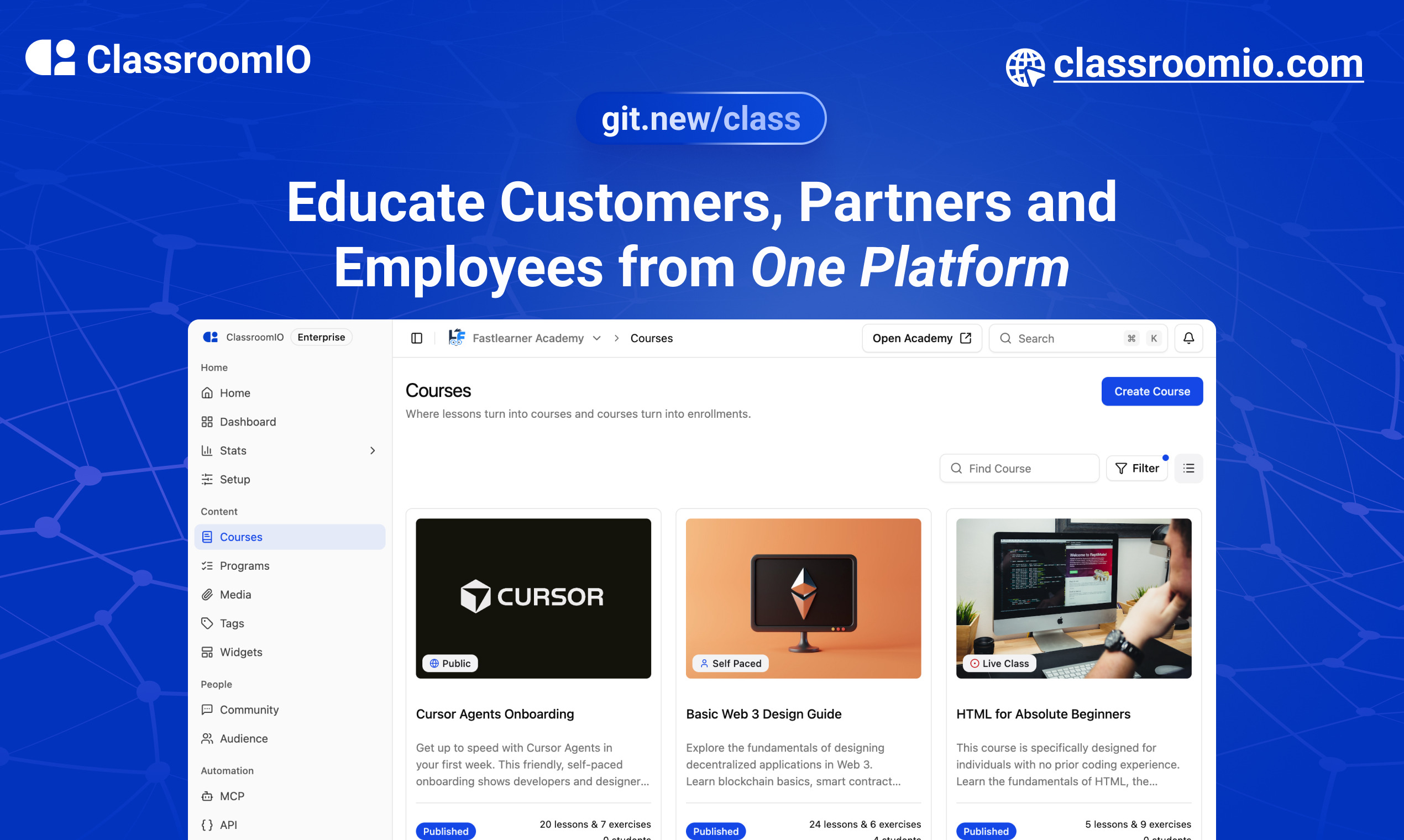
ClassroomIO
The Open Source Teaching Platform for Bootcamps
Website | Join Discord community
✨ About ClassroomIO
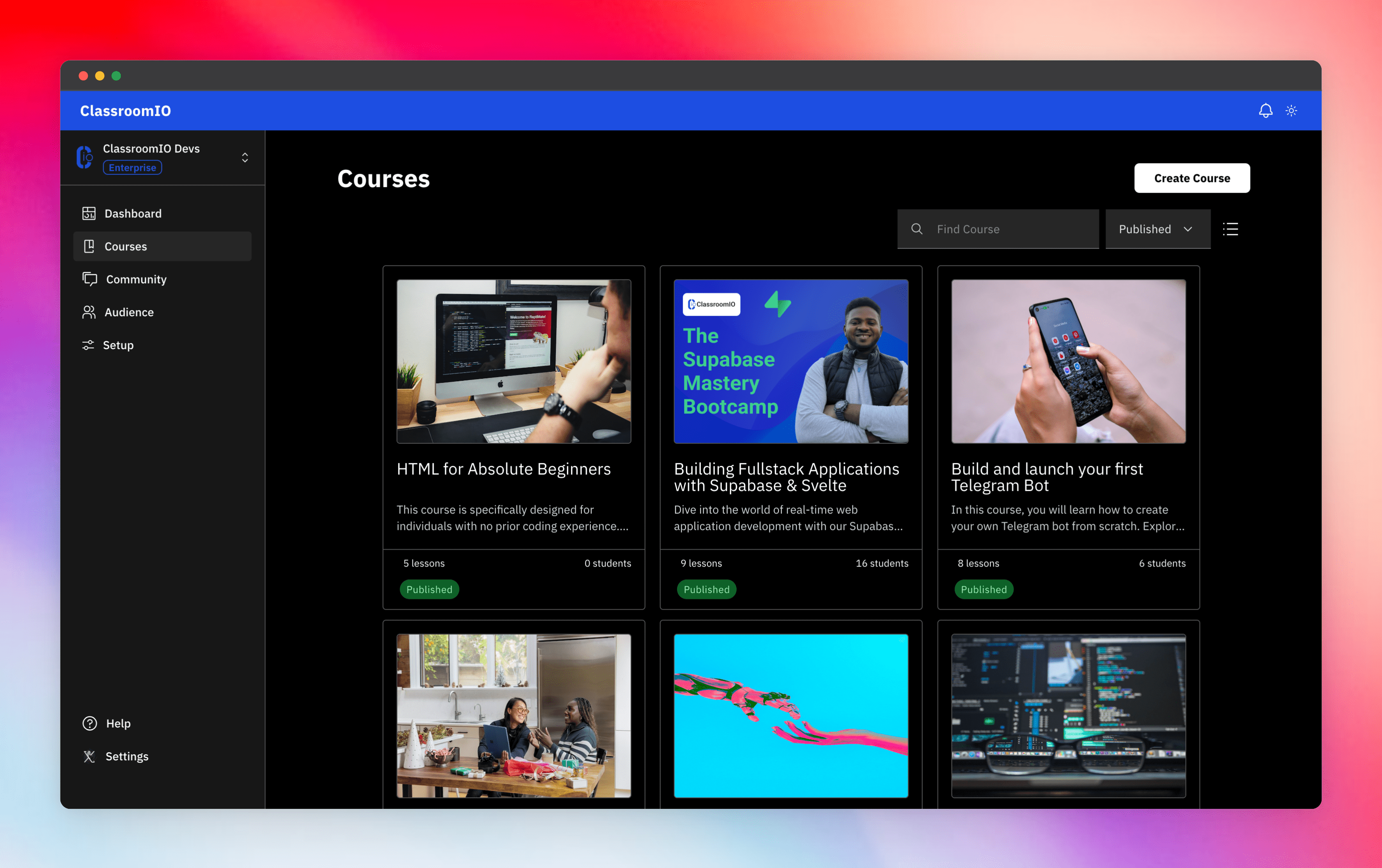
Streamline training for everyone with ClassroomIO.com. Our all-in-one platform empowers bootcamps, educators, and businesses to manage training programs easily. With our platform, anyone can run multiple classes and cohorts all from one UI. The application is mobile-first, which means that students can access your lesson materials from any device.
Mission: Provide Students with the best learning experience
At ClassroomIO, our mission is to provide students with the best possible learning experience. We believe in empowering educators with the tools they need to deliver high-quality education that is accessible, engaging, and effective.
Key Features
- 📚 Advanced Course Management: You can create unlimited courses, create lessons, invite students, add assignments, grade their assignments, and even generate certificates.
- 👨👩👦 Multi-Teacher Management: You can invite other teachers into your organization and assign them individual courses.
- 🤖 AI Integration: We've got OpenAI integration for quick course creation where you can generate course content, lesson outlines, and even generate assignments right from your lesson notes.
- 💬 Forum: Students can ask questions in your dedicated community and get answers from either you or other students.
- 🏆 Kahoot-Like Quiz: You can create live quizzes to create more engagement in your classrooms.
- 💻 Dedicated Student Dashboard: Once you create an account, you get a dedicated dashboard where your students can access all their courses, assignments, and more.
- 🔒 Fully open source: You can self-hostable the whole stack on your servers.
Roadmap Features
- Forms: Instead of using Google Forms to collect vital information from your students, you will be able to create forms directly within the dashboard.
- Course Announcement: You can make public announcements from the course dashboard to all your students.
- Course Templates: You can clone a full course or share templates with other people.
- Analytics: You can track data about your students across multiple courses.
- Run Courses on Messengers: Students can just join a channel on slack/discord/telegram and a bot automatically sends daily lesson content to your students without you doing anything.
Please reach out to me on twitter if you have any feature request.
Built With
Get a Demo
You can book a quick 15 min demo to see if ClassroomIO is a good fit for you

Getting Started
To get a local copy up and running, please follow these simple steps.
Prerequisites
Here is what you need to be able to run Cal.com.
Development
Setup
-
Clone the repo
git clone https://github.com/rotimi-best/classroomio.git -
Go to project folder
cd classroomio -
Setup Node If your Node version does not meet the project's requirements as instructed by the docs, "nvm" (Node Version Manager) allows using Node at the version required by the project:
nvm useYou first might need to install the specific version and then use it:
nvm install && nvm useYou can install nvm from here.
-
Set up your
.envfile- Duplicate
.env.exampleto.env
- Duplicate
-
Install the required dependencies
npm i -
Run (in development mode)
npm run dev
Related Repos
You can find other repos related to classroomio here:
- Help Docs: https://github.com/rotimi-best/classroomio.com/docs
- ClassroomIO.com: https://github.com/rotimi-best/classroomio.com