 0836d9b5bb
* refactor(z-index): introduce a shared named z-index scale

Replace scattered magic z-index numbers (100, 150, 200, 201, 250) with
named layers (z-app-bar, z-app-bar-elevated, z-modal, z-menu-elevated)
so intent is documented at each call site and future additions insert
predictably instead of colliding.

Defined via Tailwind's @utility directive in two places that mirror
each other: packages/ui/src/index.css (ui:-prefixed, for components
that live in the @cio/ui package) and apps/dashboard/src/app.css
(unprefixed, for dashboard-only files) — a ui:-prefixed custom utility
only compiles if it is also used somewhere under packages/ui/src, so
dashboard-only usages need the unprefixed twin.

Also fixes two pre-existing dropdown/select menus (tags-admin.svelte,
mark-exercise-modal.svelte) that used ui:z-[250], which never actually
compiled to any CSS rule since nothing under packages/ui/src used that
exact class.

Co-authored-by: Rotimi Best <rotimi-best@users.noreply.github.com>

* fix(ui): safelist the packaged z-index scale so it always compiles

@utility only emits a class when Tailwind's scanner sees that exact
candidate under packages/ui/src, so ui:z-app-bar-elevated and
ui:z-menu-elevated were documented but silently missing from the
compiled @cio/ui CSS since nothing inside the package itself used
them. Safelist all four layers via @source inline() so the shipped
scale always matches what's documented, regardless of which layers
this package happens to reference internally.

Co-authored-by: Rotimi Best <rotimi-best@users.noreply.github.com>

---------

Co-authored-by: Cursor Agent <cursoragent@cursor.com>
Co-authored-by: Rotimi Best <rotimi-best@users.noreply.github.com>
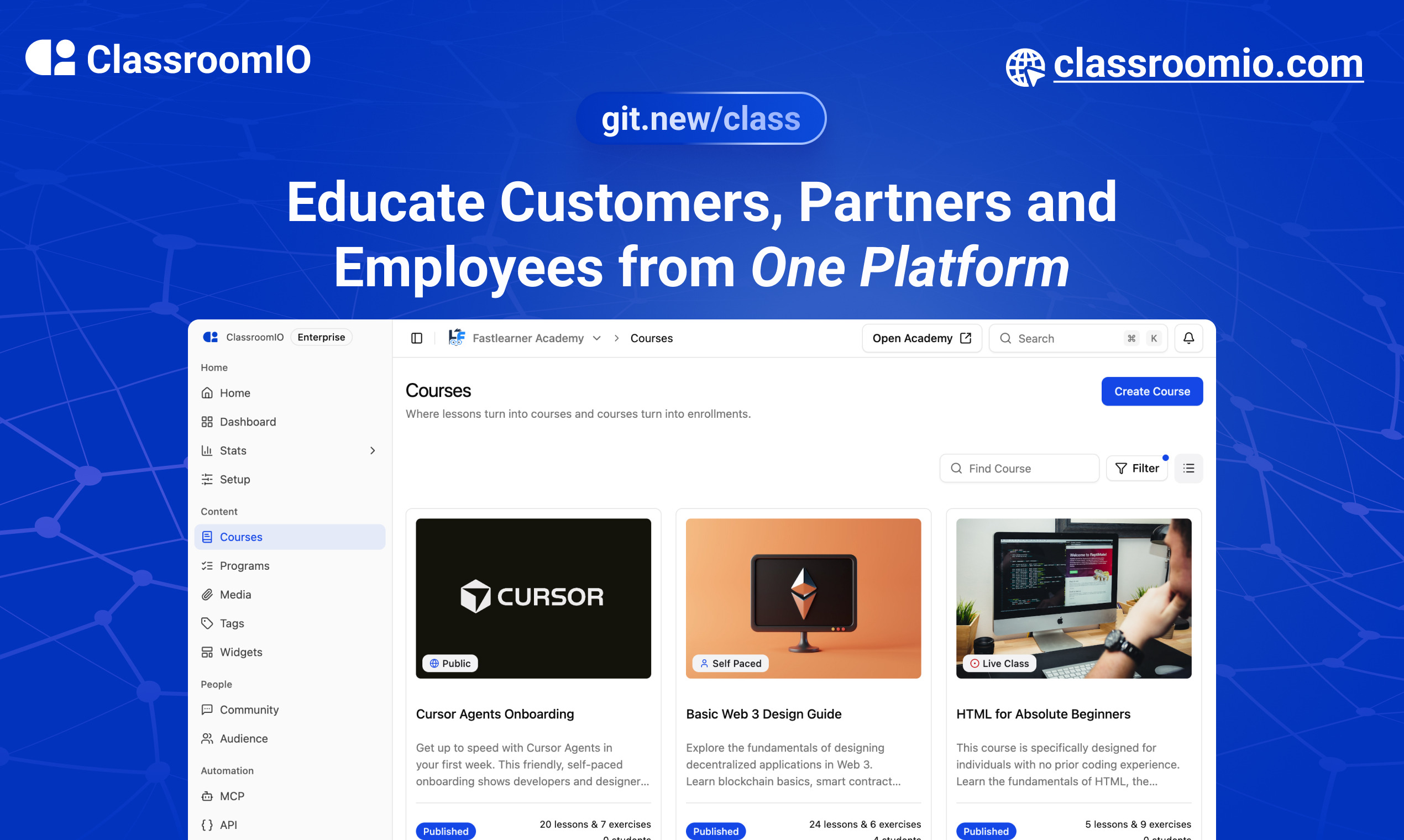
ClassroomIO
The Open Source Teaching Platform for Bootcamps
Website | Join Discord community
✨ About ClassroomIO
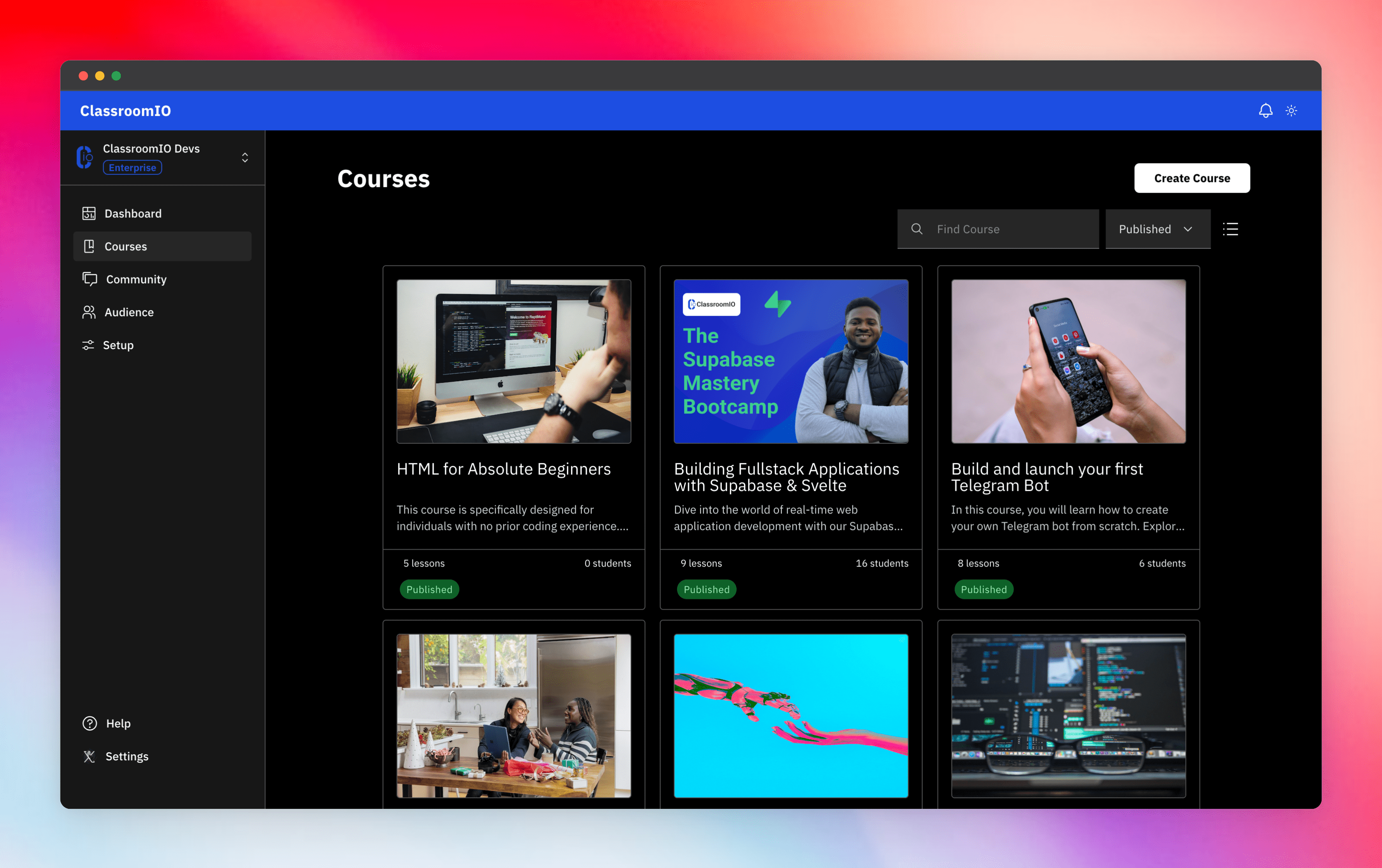
Streamline training for everyone with ClassroomIO.com. Our all-in-one platform empowers bootcamps, educators, and businesses to manage training programs easily. With our platform, anyone can run multiple classes and cohorts all from one UI. The application is mobile-first, which means that students can access your lesson materials from any device.
Mission: Provide Students with the best learning experience
At ClassroomIO, our mission is to provide students with the best possible learning experience. We believe in empowering educators with the tools they need to deliver high-quality education that is accessible, engaging, and effective.
Key Features
- 📚 Advanced Course Management: You can create unlimited courses, create lessons, invite students, add assignments, grade their assignments, and even generate certificates.
- 👨👩👦 Multi-Teacher Management: You can invite other teachers into your organization and assign them individual courses.
- 🤖 AI Integration: We've got OpenAI integration for quick course creation where you can generate course content, lesson outlines, and even generate assignments right from your lesson notes.
- 💬 Forum: Students can ask questions in your dedicated community and get answers from either you or other students.
- 🏆 Kahoot-Like Quiz: You can create live quizzes to create more engagement in your classrooms.
- 💻 Dedicated Student Dashboard: Once you create an account, you get a dedicated dashboard where your students can access all their courses, assignments, and more.
- 🔒 Fully open source: You can self-hostable the whole stack on your servers.
Roadmap Features
- Forms: Instead of using Google Forms to collect vital information from your students, you will be able to create forms directly within the dashboard.
- Course Announcement: You can make public announcements from the course dashboard to all your students.
- Course Templates: You can clone a full course or share templates with other people.
- Analytics: You can track data about your students across multiple courses.
- Run Courses on Messengers: Students can just join a channel on slack/discord/telegram and a bot automatically sends daily lesson content to your students without you doing anything.
Please reach out to me on twitter if you have any feature request.
Built With
Get a Demo
You can book a quick 15 min demo to see if ClassroomIO is a good fit for you

Getting Started
To get a local copy up and running, please follow these simple steps.
Prerequisites
Here is what you need to be able to run Cal.com.
Development
Setup
-
Clone the repo
git clone https://github.com/rotimi-best/classroomio.git -
Go to project folder
cd classroomio -
Setup Node If your Node version does not meet the project's requirements as instructed by the docs, "nvm" (Node Version Manager) allows using Node at the version required by the project:
nvm useYou first might need to install the specific version and then use it:
nvm install && nvm useYou can install nvm from here.
-
Set up your
.envfile- Duplicate
.env.exampleto.env
- Duplicate
-
Install the required dependencies
npm i -
Run (in development mode)
npm run dev
Related Repos
You can find other repos related to classroomio here:
- Help Docs: https://github.com/rotimi-best/classroomio.com/docs
- ClassroomIO.com: https://github.com/rotimi-best/classroomio.com