 3d15bc0a01
* feat(org): add dynamic open graph images for school sites

Generate branded 1200x630 OG images for org public sites via GET /org/og/:siteName.png.
Paying cloud orgs include their landing-page tagline; free plans show a Powered by
ClassroomIO watermark. Dashboard org-site meta tags now point at the dynamic image.

Co-authored-by: Rotimi Best <rotimi-best@users.noreply.github.com>

* feat(org): enable custom favicon upload and org-site rendering

Allow org admins to upload a favicon from domain settings, persist it via
PUT /organization, and render it on public org sites with logo fallback.

Co-authored-by: Rotimi Best <rotimi-best@users.noreply.github.com>

* fix(org): scope custom favicon to public org-site routes only

Co-authored-by: Rotimi Best <rotimi-best@users.noreply.github.com>

* refactor(api): inline org-site OG rendering, remove @cio/og-images package

Move template and render helpers into apps/api/src/utils/org-site-og.ts.
Certificates stay in a shared package because they support multiple templates;
org OG is a single API-only concern.

Co-authored-by: Rotimi Best <rotimi-best@users.noreply.github.com>

* chore: remove packages/og-images directory

Co-authored-by: Rotimi Best <rotimi-best@users.noreply.github.com>

* refactor(api): mount org OG image under /org-site/og

Align with existing org-site public routes (/org-site/course) instead of a
top-level /org prefix.

Co-authored-by: Rotimi Best <rotimi-best@users.noreply.github.com>

* refactor(plans): consolidate isOrgOnFreePlan into options-based utility

Move orgId guard and self-hosted/plan checks into @cio/utils/plans.
Dashboard and API callers pass plans, isSelfHosted, and optional orgId
directly; remove the dashboard store wrapper.

Co-authored-by: Rotimi Best <rotimi-best@users.noreply.github.com>

* fix(org): require orgId for free-plan check and translate favicon strings

Treat missing orgId as not on free plan so nav gating matches prior
behavior when currentOrg is unset. Pass organization.id from OG service.

Add favicon settings translations for all non-English locales.

Co-authored-by: Rotimi Best <rotimi-best@users.noreply.github.com>

* refactor(dashboard): move meta tag helpers to metaTags.server.ts

Keep PRIVATE_SERVER_URL resolution in a server-only module so dynamic
private env imports cannot leak into universal or client bundles.

Co-authored-by: Rotimi Best <rotimi-best@users.noreply.github.com>

* fix(dashboard): allow File favicon in org update before upload

Skip favicon from pre-upload Zod validation when a File is provided,
matching how avatar uploads bypass ZUpdateOrganization until resolved.

Co-authored-by: Rotimi Best <rotimi-best@users.noreply.github.com>

* fix(dashboard): use public API URL for org OG meta tags

Never emit PRIVATE_SERVER_URL in og:image URLs. Prefer PUBLIC_SERVER_URL
for crawlers; fall back to same-origin /proxy when unset.

Co-authored-by: Rotimi Best <rotimi-best@users.noreply.github.com>

* fix(dashboard): use org landing copy and public OG URLs for org sites

Populate og:title, description, and site_name from org landing page hero
copy on cloud tenant sites. Build og:image from the tenant origin /proxy
path so crawlers never receive internal PRIVATE_SERVER_URL values.

Co-authored-by: Rotimi Best <rotimi-best@users.noreply.github.com>

* feat(api): redesign org OG image with logo top-left

Replace the saturated gradient layout with a light theme-tinted card:
Academy label, org name, and tagline bottom-left; logo top-left;
decorative circle top-right; watermark on free plans.

Co-authored-by: Rotimi Best <rotimi-best@users.noreply.github.com>

---------

Co-authored-by: Cursor Agent <cursoragent@cursor.com>
Co-authored-by: Rotimi Best <rotimi-best@users.noreply.github.com>
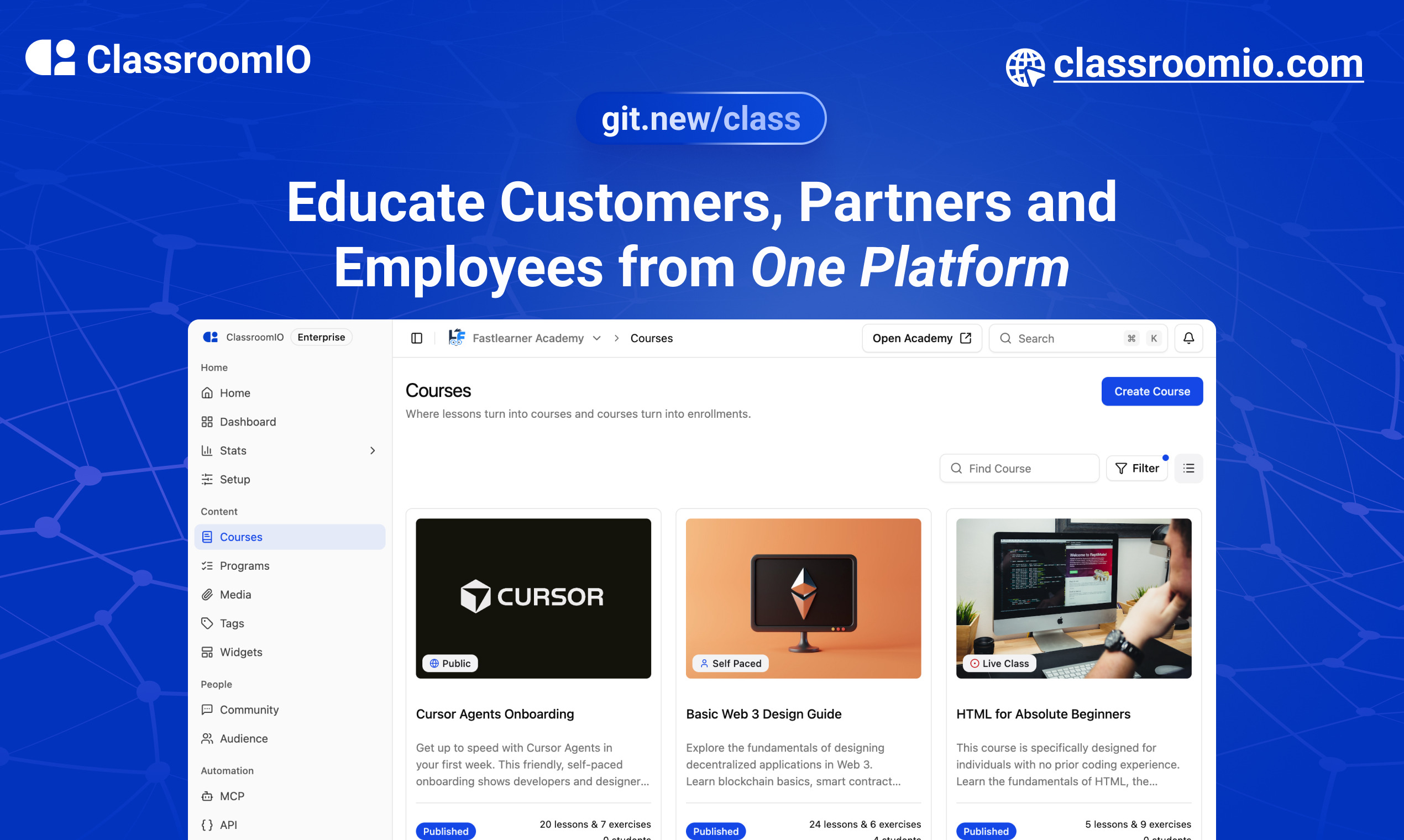
ClassroomIO
The Open Source Teaching Platform for Bootcamps
Website | Join Discord community
✨ About ClassroomIO
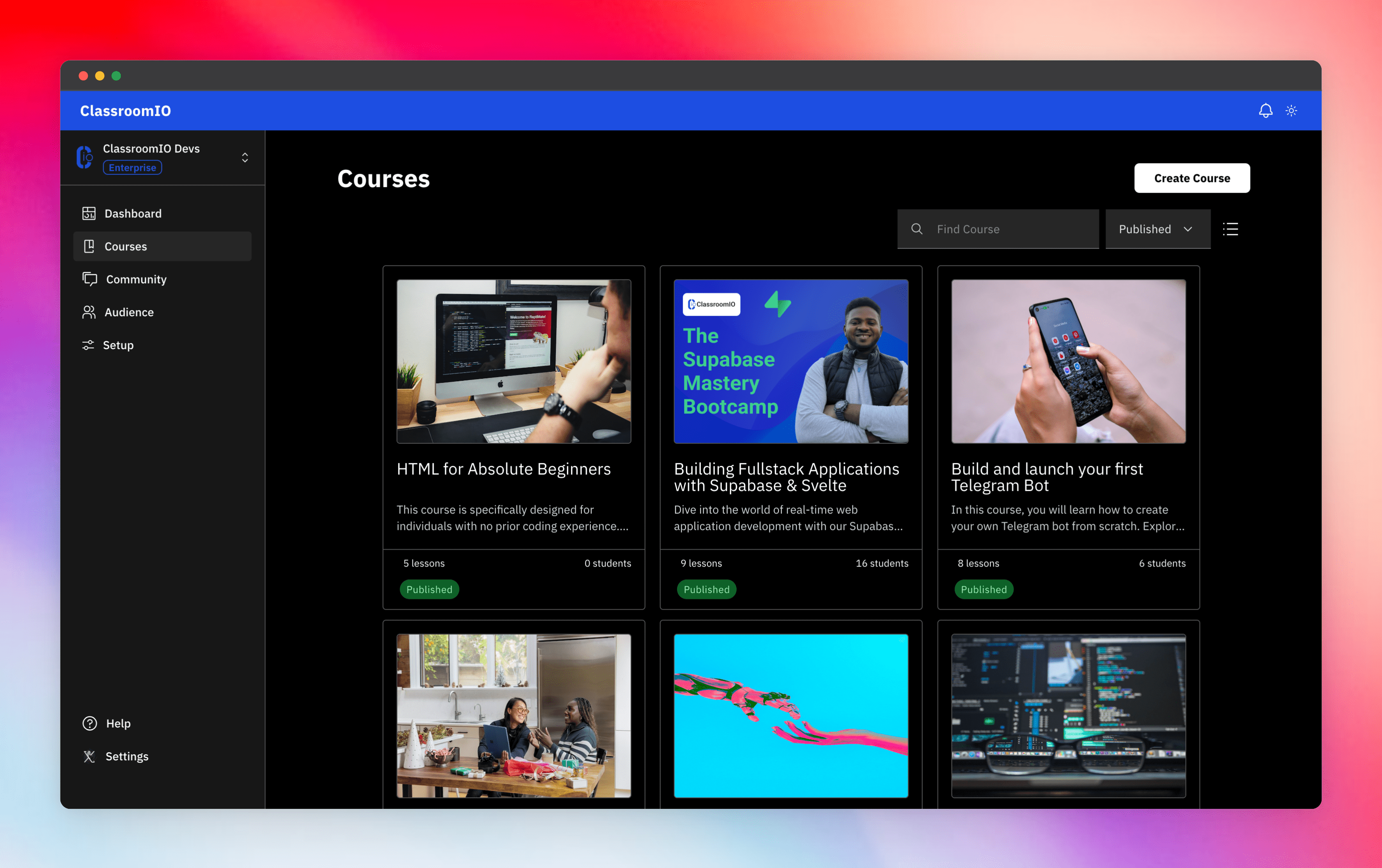
Streamline training for everyone with ClassroomIO.com. Our all-in-one platform empowers bootcamps, educators, and businesses to manage training programs easily. With our platform, anyone can run multiple classes and cohorts all from one UI. The application is mobile-first, which means that students can access your lesson materials from any device.
Mission: Provide Students with the best learning experience
At ClassroomIO, our mission is to provide students with the best possible learning experience. We believe in empowering educators with the tools they need to deliver high-quality education that is accessible, engaging, and effective.
Key Features
- 📚 Advanced Course Management: You can create unlimited courses, create lessons, invite students, add assignments, grade their assignments, and even generate certificates.
- 👨👩👦 Multi-Teacher Management: You can invite other teachers into your organization and assign them individual courses.
- 🤖 AI Integration: We've got OpenAI integration for quick course creation where you can generate course content, lesson outlines, and even generate assignments right from your lesson notes.
- 💬 Forum: Students can ask questions in your dedicated community and get answers from either you or other students.
- 🏆 Kahoot-Like Quiz: You can create live quizzes to create more engagement in your classrooms.
- 💻 Dedicated Student Dashboard: Once you create an account, you get a dedicated dashboard where your students can access all their courses, assignments, and more.
- 🔒 Fully open source: You can self-hostable the whole stack on your servers.
Roadmap Features
- Forms: Instead of using Google Forms to collect vital information from your students, you will be able to create forms directly within the dashboard.
- Course Announcement: You can make public announcements from the course dashboard to all your students.
- Course Templates: You can clone a full course or share templates with other people.
- Analytics: You can track data about your students across multiple courses.
- Run Courses on Messengers: Students can just join a channel on slack/discord/telegram and a bot automatically sends daily lesson content to your students without you doing anything.
Please reach out to me on twitter if you have any feature request.
Built With
Get a Demo
You can book a quick 15 min demo to see if ClassroomIO is a good fit for you

Getting Started
To get a local copy up and running, please follow these simple steps.
Prerequisites
Here is what you need to be able to run Cal.com.
Development
Setup
-
Clone the repo
git clone https://github.com/rotimi-best/classroomio.git -
Go to project folder
cd classroomio -
Setup Node If your Node version does not meet the project's requirements as instructed by the docs, "nvm" (Node Version Manager) allows using Node at the version required by the project:
nvm useYou first might need to install the specific version and then use it:
nvm install && nvm useYou can install nvm from here.
-
Set up your
.envfile- Duplicate
.env.exampleto.env
- Duplicate
-
Install the required dependencies
npm i -
Run (in development mode)
npm run dev
Related Repos
You can find other repos related to classroomio here:
- Help Docs: https://github.com/rotimi-best/classroomio.com/docs
- ClassroomIO.com: https://github.com/rotimi-best/classroomio.com