 Rotimi Best
e79d920aeb
Rotimi Best
e79d920aeb
* fix(newsfeed): tighten card spacing and reposition pinned icon

- Move pinned icon to top-left corner with a tilted rotation
- Remove the extra pin row that added excess top padding
- Reduce spacing between post content, reactions, and comments
- Remove card box shadow

Co-authored-by: Rotimi Best <rotimi-best@users.noreply.github.com>

* fix(newsfeed): place pinned icon on card corner instead of avatar

Co-authored-by: Rotimi Best <rotimi-best@users.noreply.github.com>

* fix(newsfeed): stop dropdown menus locking body scroll

bits-ui defaults DropdownMenu.Content's preventScroll to true, so every
open ran a body scroll lock: a forced full-document style recalc and
reflow, a horizontal shift by the scrollbar width, and pointer-events:
none on the body. On the newsfeed page — a long list of cards each with
a scrollable comment thread — that made the comment ellipsis menu feel
sluggish to open. Menus don't need scroll locking; only modal layers do.

Also tighten card spacing, use the primary color for the pinned icon,
give the card menu trigger a pointer cursor, and switch the comment
save and submit buttons to the loading and secondary variants.

* refactor(newsfeed): store reply targets as data, not markup

Replies used to prepend a presentational <blockquote> — Tailwind classes,
hardcoded English and a copied snippet of the parent — onto the comment
body, and that whole string was persisted to course_newsfeed_comment.content.
Editing a reply therefore showed raw markup in the textarea, the quoted
snippet froze at write time, the label could never be localized, and two of
its ui: utilities never compiled because they appeared only in dashboard code.

Add a replyToCommentId column, distinct from parentId (the thread root), so
a reply can name the comment it answers. The service verifies the target
belongs to the same feed and the same thread; the paginated query joins it
to return replyToAuthorFullname, so the label is rendered from live data by
the new CommentTree.ReplyingTo component using the existing replying_to key.

Rows written the old way still display their stored quote, and
stripLegacyReplyQuote keeps that markup out of the edit textarea.

* refactor(newsfeed): drop redundant comments on reply target plumbing

* fix(newsfeed): address review feedback on pinned icon and quote stripping

- The pin icon carried an unprefixed `text-muted-foreground` plus
  `ui:stroke-primary`, which is emitted nowhere because it appears only in
  dashboard code, so the outline fell back to the muted colour. Use
  `ui:text-primary` and let the stroke inherit currentColor.
- Give the pinned state an accessible name: the icon is `aria-hidden`, and
  header.svelte no longer carries an indicator, so screen readers had nothing.
- Filter feeds on `isPinned` alone. `is_pinned` is only the database column
  name; drizzle maps it to `isPinned` and the API never returns the snake_case
  form, so the `as any` fallback was dead and let the page and card disagree.
- `ui:transition-color` is not a Tailwind utility and emitted nothing; the
  plural `ui:transition-colors` is what applies the transition.
- Strip a legacy reply quote only when the blockquote carries the `reply-quote`
  class the old code always wrote, so a blockquote the author typed is kept.

* docs(agents): forbid presentational markup in persisted content columns

---------
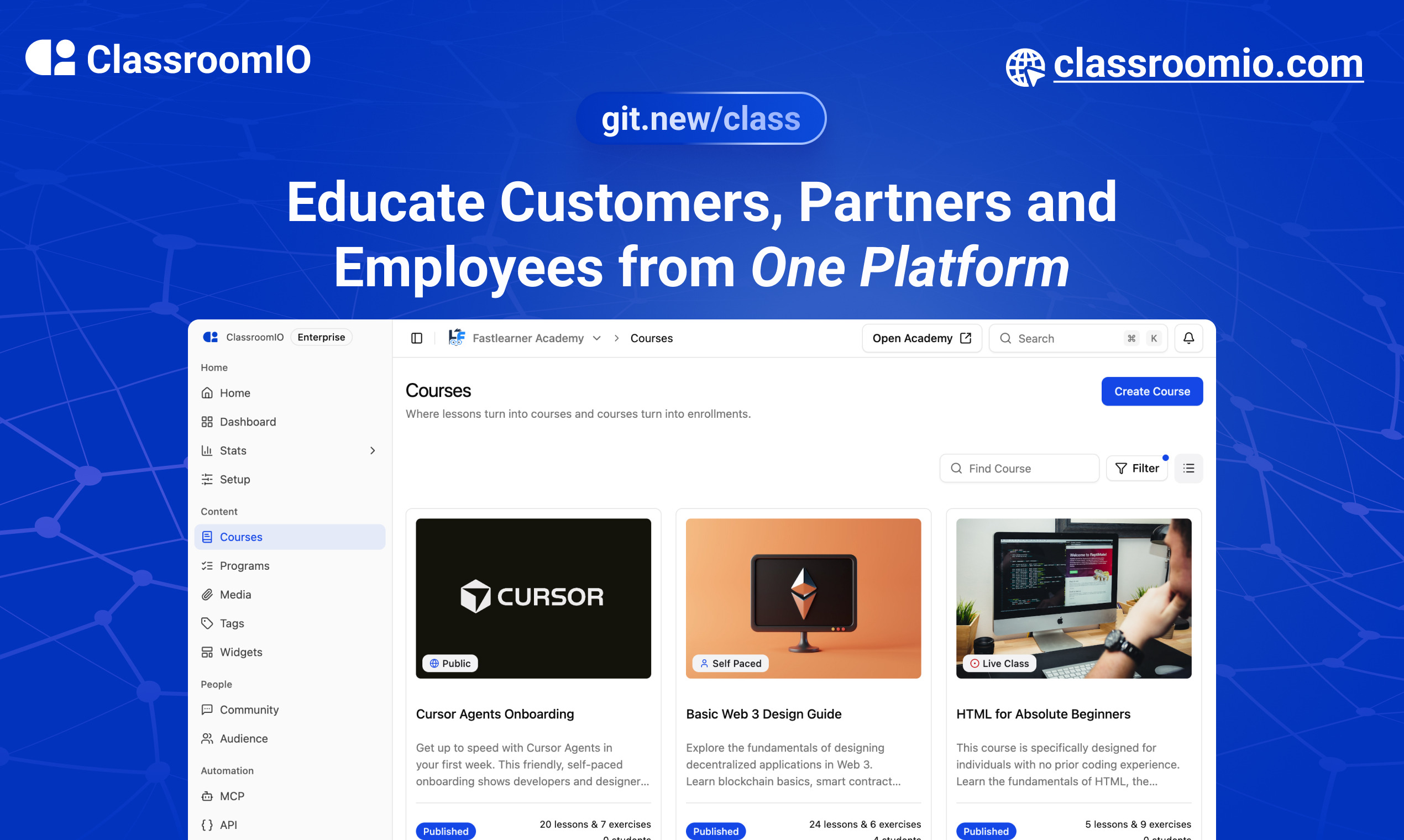
ClassroomIO
The Open Source Teaching Platform for Bootcamps
Website | Join Discord community
✨ About ClassroomIO
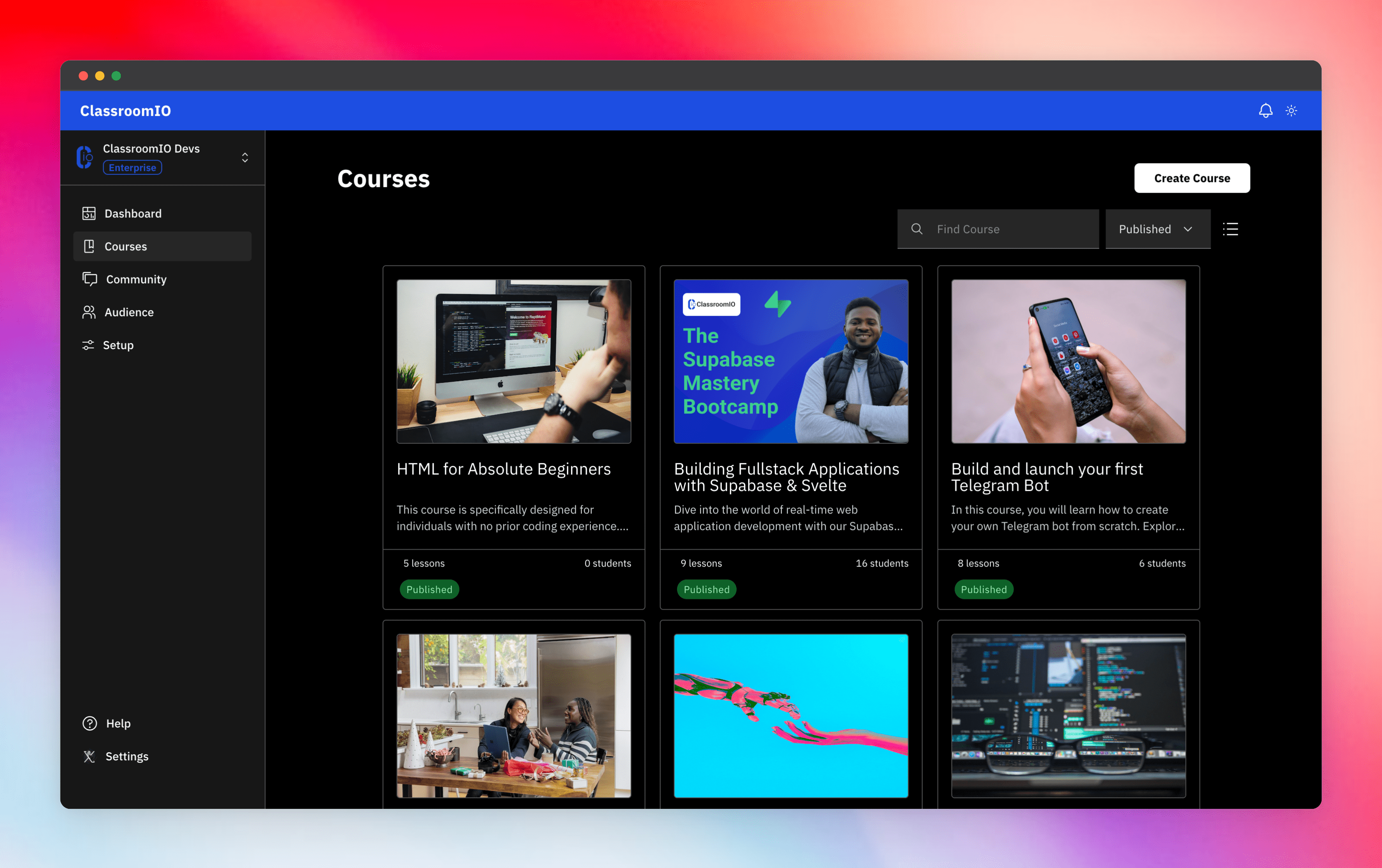
Streamline training for everyone with ClassroomIO.com. Our all-in-one platform empowers bootcamps, educators, and businesses to manage training programs easily. With our platform, anyone can run multiple classes and cohorts all from one UI. The application is mobile-first, which means that students can access your lesson materials from any device.
Mission: Provide Students with the best learning experience
At ClassroomIO, our mission is to provide students with the best possible learning experience. We believe in empowering educators with the tools they need to deliver high-quality education that is accessible, engaging, and effective.
Key Features
- 📚 Advanced Course Management: You can create unlimited courses, create lessons, invite students, add assignments, grade their assignments, and even generate certificates.
- 👨👩👦 Multi-Teacher Management: You can invite other teachers into your organization and assign them individual courses.
- 🤖 AI Integration: We've got OpenAI integration for quick course creation where you can generate course content, lesson outlines, and even generate assignments right from your lesson notes.
- 💬 Forum: Students can ask questions in your dedicated community and get answers from either you or other students.
- 🏆 Kahoot-Like Quiz: You can create live quizzes to create more engagement in your classrooms.
- 💻 Dedicated Student Dashboard: Once you create an account, you get a dedicated dashboard where your students can access all their courses, assignments, and more.
- 🔒 Fully open source: You can self-hostable the whole stack on your servers.
Roadmap Features
- Forms: Instead of using Google Forms to collect vital information from your students, you will be able to create forms directly within the dashboard.
- Course Announcement: You can make public announcements from the course dashboard to all your students.
- Course Templates: You can clone a full course or share templates with other people.
- Analytics: You can track data about your students across multiple courses.
- Run Courses on Messengers: Students can just join a channel on slack/discord/telegram and a bot automatically sends daily lesson content to your students without you doing anything.
Please reach out to me on twitter if you have any feature request.
Built With
Get a Demo
You can book a quick 15 min demo to see if ClassroomIO is a good fit for you

Getting Started
To get a local copy up and running, please follow these simple steps.
Prerequisites
Here is what you need to be able to run Cal.com.
Development
Setup
-
Clone the repo
git clone https://github.com/rotimi-best/classroomio.git -
Go to project folder
cd classroomio -
Setup Node If your Node version does not meet the project's requirements as instructed by the docs, "nvm" (Node Version Manager) allows using Node at the version required by the project:
nvm useYou first might need to install the specific version and then use it:
nvm install && nvm useYou can install nvm from here.
-
Set up your
.envfile- Duplicate
.env.exampleto.env
- Duplicate
-
Install the required dependencies
npm i -
Run (in development mode)
npm run dev
Related Repos
You can find other repos related to classroomio here:
- Help Docs: https://github.com/rotimi-best/classroomio.com/docs
- ClassroomIO.com: https://github.com/rotimi-best/classroomio.com