 Abdulmuizz HamzatandRotimi Best
b599f1a017
Abdulmuizz HamzatandRotimi Best
b599f1a017
* Update documentation for ClassroomIO: change Fumadocs to Blume, revise MDX format conventions, and clarify sidebar navigation requirements.

* docs: update README and scripts for improved preview and error handling

* docs: update Discord link in configuration and documentation

* docs: add token-auth route and update documentation formatting

* Fix formatting in auto-comment-issues.yml

* Fix JSON syntax by adding a comma

* fix(docs): declare Blume's Astro build deps so Cloudflare build resolves them

blume build generates an Astro project under apps/docs/.blume/ that imports
astro, @astrojs/mdx, @tailwindcss/vite, tailwindcss, @tailwindcss/typography,
@shikijs/twoslash and @scalar/astro. Under pnpm's isolated node_modules these
are nested inside blume and not resolvable from the docs app, so a clean
--frozen-lockfile build (Cloudflare) fails at 'Cannot find module astro/config'.
Declare them directly in @cio/docs, pinned to blume's resolved versions.

* refactor(docs): update API reference paths and documentation for clarity

* fix: change platofrm url to docs home page

* Refactor documentation for self-hosting ClassroomIO

- Removed the Supabase Cloud setup guide as it is no longer needed.
- Updated the Enterprise SSO documentation to include a reference link for SSO & licensing.
- Added new documentation for Content Security Policy (CSP) configuration.
- Created a new section for configuring SMTP for email notifications.
- Introduced a comprehensive configuration index for self-hosted ClassroomIO, detailing environment variables and their usage.
- Added documentation for optional integrations including Google OAuth, OpenAI, and Unsplash.
- Documented the generation and usage of required secrets for ClassroomIO.
- Created a section for SSO & licensing, detailing the requirements for Enterprise features.
- Added object storage configuration documentation, covering both bundled MinIO and external S3-compatible services.
- Documented versioning and upgrade processes for ClassroomIO.
- Updated the Coolify and Docker self-hosting guides to streamline configuration references and upgrade instructions.
- Enhanced the Railway self-hosting guide with links to relevant configuration sections.
- Updated token authentication documentation to reference SSO & licensing.

* Add comprehensive guides for ClassroomIO features and functionalities

- Introduced a new guide for the Student Dashboard, detailing navigation and features available to students.
- Added a guide on using Tags for organizing and filtering courses within ClassroomIO.
- Created a guide on how to take attendance in courses, including marking attendance and related functionalities.
- Developed a Terminology guide to clarify key terms used throughout ClassroomIO.
- Implemented a Token Auth guide for signing users into ClassroomIO from external applications using JWT.
- Added instructions for using math in the editor with LaTeX support.
- Created a guide for customizing the welcome email sent to students upon enrollment in courses.
- Added a guide explaining what ClassroomIO is and its key features.
- Updated the home documentation to provide a clearer overview of ClassroomIO and its resources.
- Enhanced self-hosted configuration documentation with a new guide for deploying ClassroomIO on Dokploy.
- Updated links in the self-hosted configuration documentation for better navigation.
- Added new images to support the Dokploy deployment guide.
- Updated asset packaging script to handle redirects for the new guide structure.
- Fixed footer link to point to the correct Getting Started guide.

* chore: uprage version

* feat(docs): add DigitalOcean deployment guide and flatten guides structure

- Add a guide for deploying ClassroomIO on DigitalOcean using Docker Compose
  and Caddy for automatic HTTPS.
- List DigitalOcean as a deployment option in the self-hosting index.
- Move guides out of content/docs/guides into content/docs (student-dashboard,
  tags, terminology, token-auth, what-is-classroomio, audience, cohorts,
  community, course, enterprise-sso, mcp, organization, quickstart/*).
- Rename home.mdx to index.mdx.
- Update package-assets script to emit redirects for the old guides paths.

---------

Co-authored-by: Rotimi Best <best@classroomio.com>
ClassroomIO
The Open Source Teaching Platform for Bootcamps
Website | Join Discord community
✨ About ClassroomIO
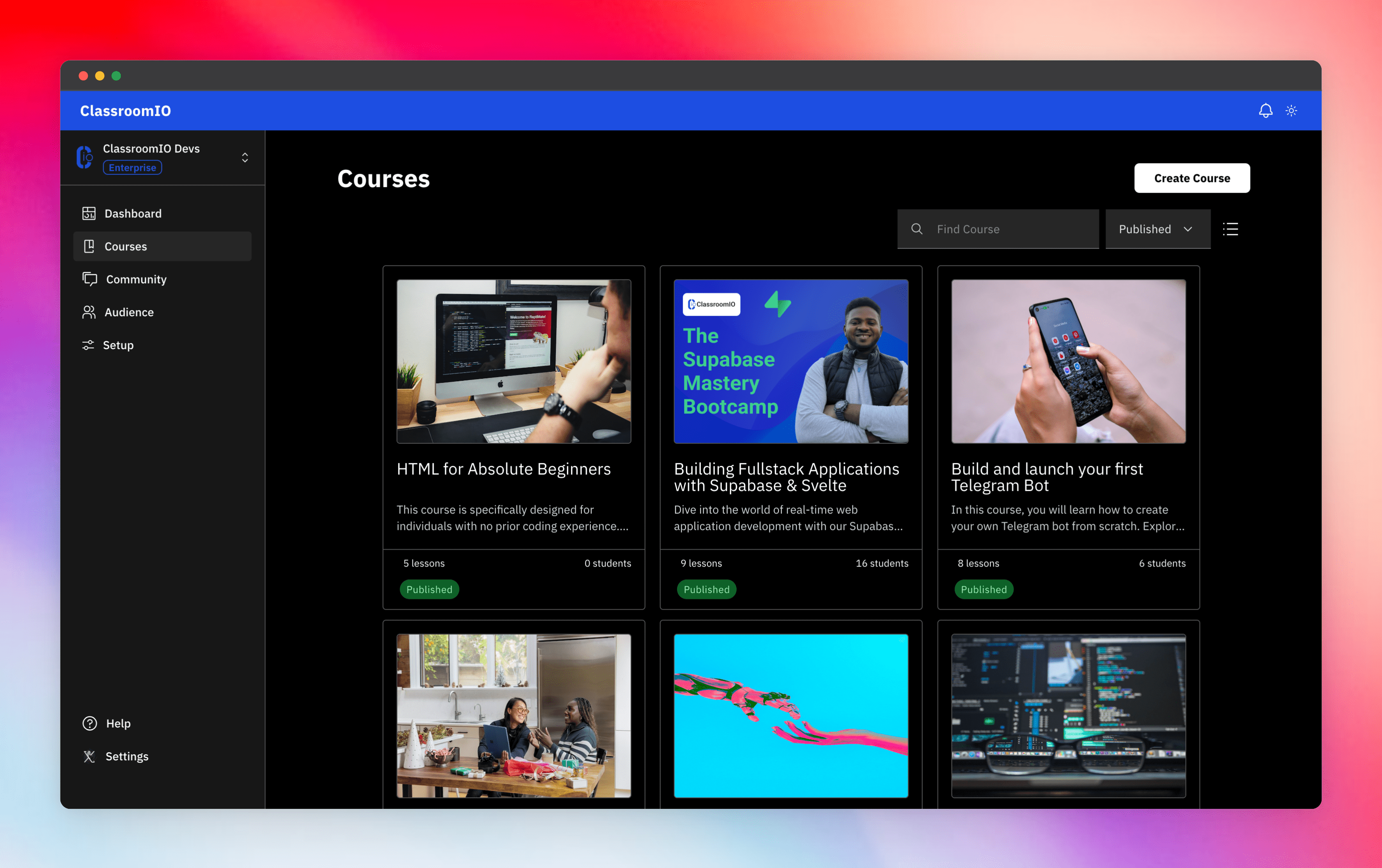
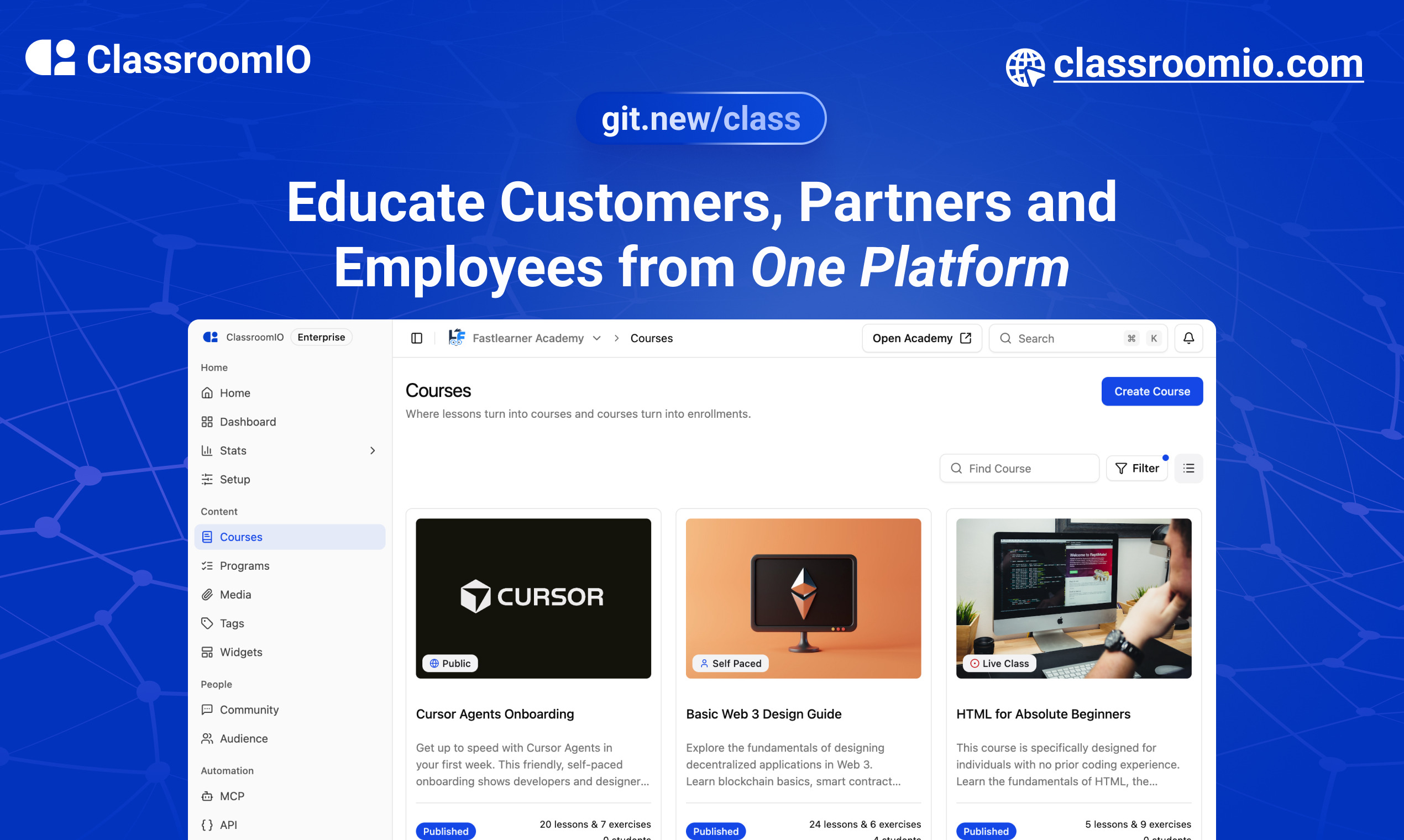
Streamline training for everyone with ClassroomIO.com. Our all-in-one platform empowers bootcamps, educators, and businesses to manage training programs easily. With our platform, anyone can run multiple classes and cohorts all from one UI. The application is mobile-first, which means that students can access your lesson materials from any device.
Mission: Provide Students with the best learning experience
At ClassroomIO, our mission is to provide students with the best possible learning experience. We believe in empowering educators with the tools they need to deliver high-quality education that is accessible, engaging, and effective.
Key Features
- 📚 Advanced Course Management: You can create unlimited courses, create lessons, invite students, add assignments, grade their assignments, and even generate certificates.
- 👨👩👦 Multi-Teacher Management: You can invite other teachers into your organization and assign them individual courses.
- 🤖 AI Integration: We've got OpenAI integration for quick course creation where you can generate course content, lesson outlines, and even generate assignments right from your lesson notes.
- 💬 Forum: Students can ask questions in your dedicated community and get answers from either you or other students.
- 🏆 Kahoot-Like Quiz: You can create live quizzes to create more engagement in your classrooms.
- 💻 Dedicated Student Dashboard: Once you create an account, you get a dedicated dashboard where your students can access all their courses, assignments, and more.
- 🔒 Fully open source: You can self-hostable the whole stack on your servers.
Roadmap Features
- Forms: Instead of using Google Forms to collect vital information from your students, you will be able to create forms directly within the dashboard.
- Course Announcement: You can make public announcements from the course dashboard to all your students.
- Course Templates: You can clone a full course or share templates with other people.
- Analytics: You can track data about your students across multiple courses.
- Run Courses on Messengers: Students can just join a channel on slack/discord/telegram and a bot automatically sends daily lesson content to your students without you doing anything.
Please reach out to me on twitter if you have any feature request.
Built With
Get a Demo
You can book a quick 15 min demo to see if ClassroomIO is a good fit for you

Getting Started
To get a local copy up and running, please follow these simple steps.
Prerequisites
Here is what you need to be able to run Cal.com.
Development
Setup
-
Clone the repo
git clone https://github.com/rotimi-best/classroomio.git -
Go to project folder
cd classroomio -
Setup Node If your Node version does not meet the project's requirements as instructed by the docs, "nvm" (Node Version Manager) allows using Node at the version required by the project:
nvm useYou first might need to install the specific version and then use it:
nvm install && nvm useYou can install nvm from here.
-
Set up your
.envfile- Duplicate
.env.exampleto.env
- Duplicate
-
Install the required dependencies
npm i -
Run (in development mode)
npm run dev
Related Repos
You can find other repos related to classroomio here:
- Help Docs: https://github.com/rotimi-best/classroomio.com/docs
- ClassroomIO.com: https://github.com/rotimi-best/classroomio.com