 Abdulmuizz Hamzat
5e2dcf71f4
Abdulmuizz Hamzat
5e2dcf71f4
* chore: update README with environment setup instructions and demo account credentials

fix: replace rm -rf with rimraf in build scripts for cross-platform compatibility

fix: add shell option to pnpm command in db-setup script for Windows compatibility

chore: update package.json files to use rimraf instead of rm -rf for consistency

chore: add rimraf dependency to pnpm-lock.yaml

feat: add postinstall script to install lefthook git hooks in a cross-platform manner

* docs(qa): add QA test plan, flow checklists, and bug-report workflow

Add a repo-native QA execution layer on top of FEATURE_AUDIT.md (the
feature map). Test cases live in the repo; bugs live in GitHub Issues, so
there is no duplicate tracker to keep in sync.

QA system:
- FEATURE_AUDIT.md: the feature map - every feature, its user flow, and
  edge cases with file:line citations.
- qa/README.md: the workflow, severity/difficulty rubrics, label setup,
  and a static feature -> flow coverage map proving all 42 audited
  features have a test plan.
- qa/flows/01..13: per-flow happy-path checklists covering signup &
  onboarding, course authoring, people/invites/roles, student ->
  certificate, AI assistant & tutor, programs/attendance, community,
  org public site, media & import, org settings, public API/MCP,
  enterprise SSO/licensing, and billing & AI credits.
- .github/ISSUE_TEMPLATE/qa-bug.yml: a QA Bug template requiring
  severity, difficulty, area, repro steps, and a screen recording.

Dev tooling:
- package.json: add db:studio and docker:build scripts.
- packages/db: add db:studio (drizzle-kit studio); fix db:reset on
  Windows by spawning the pnpm.cmd shim with shell:true (Node's
  CVE-2024-27980 fix blocks spawning .cmd/.bat without a shell).

* chore: update QA bug template and README for clarity and improved workflow

* docs: enhance DEV_SETUP_NOTES and README for clarity on prerequisites and email setup
chore: update package.json scripts for cross-platform compatibility
feat: add cross-platform Prettier check script for pre-commit hook

* Remove QA documentation and flow files for ClassroomIO

- Deleted the entire QA README.md file which contained the QA process, bug filing guidelines, and feature coverage map.
- Removed all flow files (01 to 13) that detailed the QA testing processes for various features including admin signup, course authoring, people management, student learning, AI assistant, programs, community, org public site, media management, org settings, public API, enterprise SSO, billing, and AI credits.

* fix: update postinstall script
ClassroomIO
The Open Source Teaching Platform for Bootcamps
Website | Join Discord community
✨ About ClassroomIO
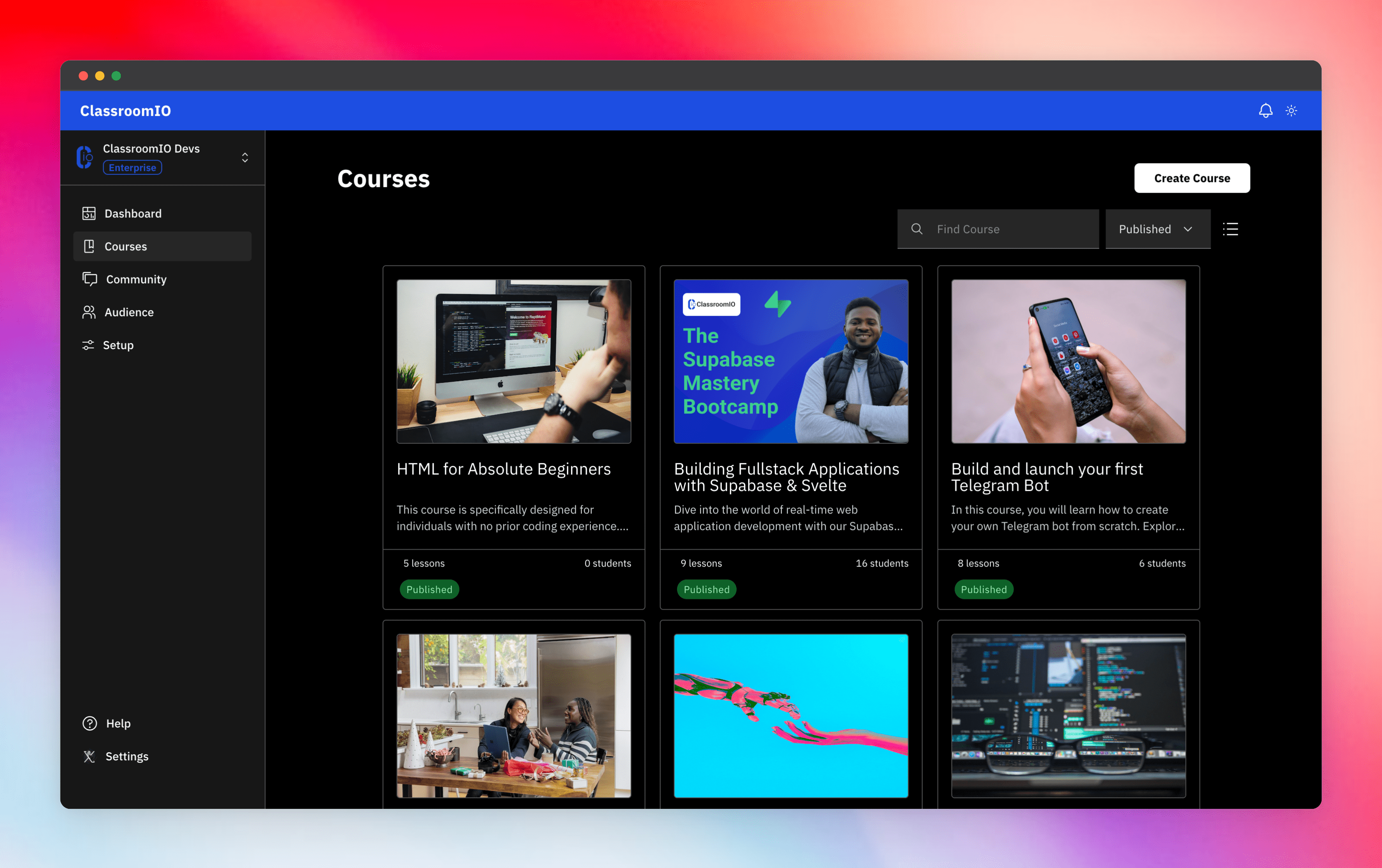
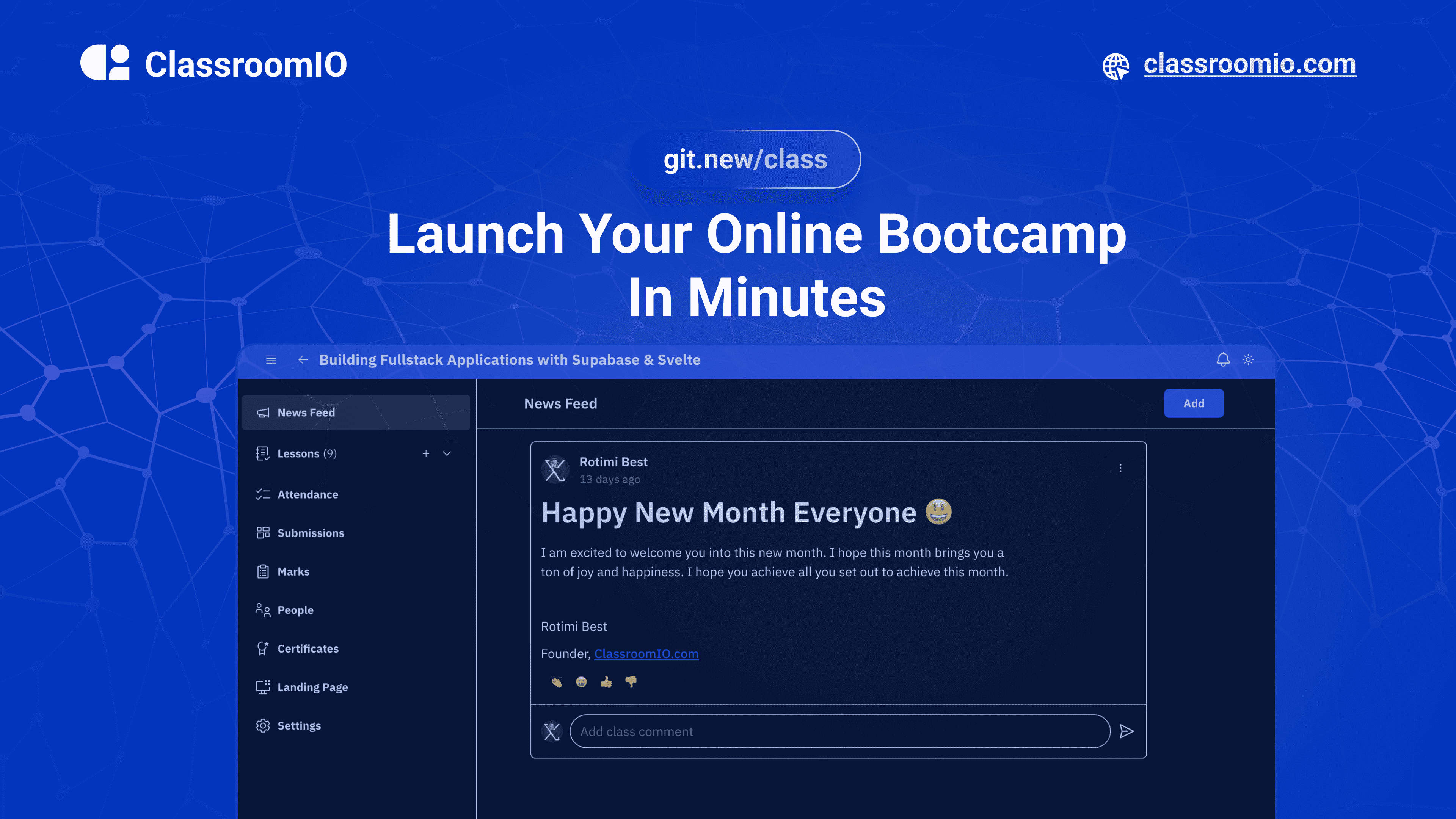
Streamline training for everyone with ClassroomIO.com. Our all-in-one platform empowers bootcamps, educators, and businesses to manage training programs easily. With our platform, anyone can run multiple classes and cohorts all from one UI. The application is mobile-first, which means that students can access your lesson materials from any device.
Mission: Provide Students with the best learning experience
At ClassroomIO, our mission is to provide students with the best possible learning experience. We believe in empowering educators with the tools they need to deliver high-quality education that is accessible, engaging, and effective.
Key Features
- 📚 Advanced Course Management: You can create unlimited courses, create lessons, invite students, add assignments, grade their assignments, and even generate certificates.
- 👨👩👦 Multi-Teacher Management: You can invite other teachers into your organization and assign them individual courses.
- 🤖 AI Integration: We've got OpenAI integration for quick course creation where you can generate course content, lesson outlines, and even generate assignments right from your lesson notes.
- 💬 Forum: Students can ask questions in your dedicated community and get answers from either you or other students.
- 🏆 Kahoot-Like Quiz: You can create live quizzes to create more engagement in your classrooms.
- 💻 Dedicated Student Dashboard: Once you create an account, you get a dedicated dashboard where your students can access all their courses, assignments, and more.
- 🔒 Fully open source: You can self-hostable the whole stack on your servers.
Roadmap Features
- Forms: Instead of using Google Forms to collect vital information from your students, you will be able to create forms directly within the dashboard.
- Course Announcement: You can make public announcements from the course dashboard to all your students.
- Course Templates: You can clone a full course or share templates with other people.
- Analytics: You can track data about your students across multiple courses.
- Run Courses on Messengers: Students can just join a channel on slack/discord/telegram and a bot automatically sends daily lesson content to your students without you doing anything.
Please reach out to me on twitter if you have any feature request.
Built With
Get a Demo
You can book a quick 15 min demo to see if ClassroomIO is a good fit for you

Getting Started
To get a local copy up and running, please follow these simple steps.
Prerequisites
Here is what you need to be able to run Cal.com.
Development
Setup
-
Clone the repo
git clone https://github.com/rotimi-best/classroomio.git -
Go to project folder
cd classroomio -
Setup Node If your Node version does not meet the project's requirements as instructed by the docs, "nvm" (Node Version Manager) allows using Node at the version required by the project:
nvm useYou first might need to install the specific version and then use it:
nvm install && nvm useYou can install nvm from here.
-
Set up your
.envfile- Duplicate
.env.exampleto.env
- Duplicate
-
Install the required dependencies
npm i -
Run (in development mode)
npm run dev
Related Repos
You can find other repos related to classroomio here:
- Help Docs: https://github.com/rotimi-best/classroomio.com/docs
- ClassroomIO.com: https://github.com/rotimi-best/classroomio.com